Add a chart export as a static image
Place the chart's image export in the
/template/charts/static-imgs/folder. It can be PNG, JPEG, or even SVG. The size of the image file should be ideally smaller than 800KB for better loading performance.The container element with the class
chart-image-containeris used for displaying charts.
There are two sizes. The one inside the <div class="small-chart-area"> will be dislayed in the smaller size.
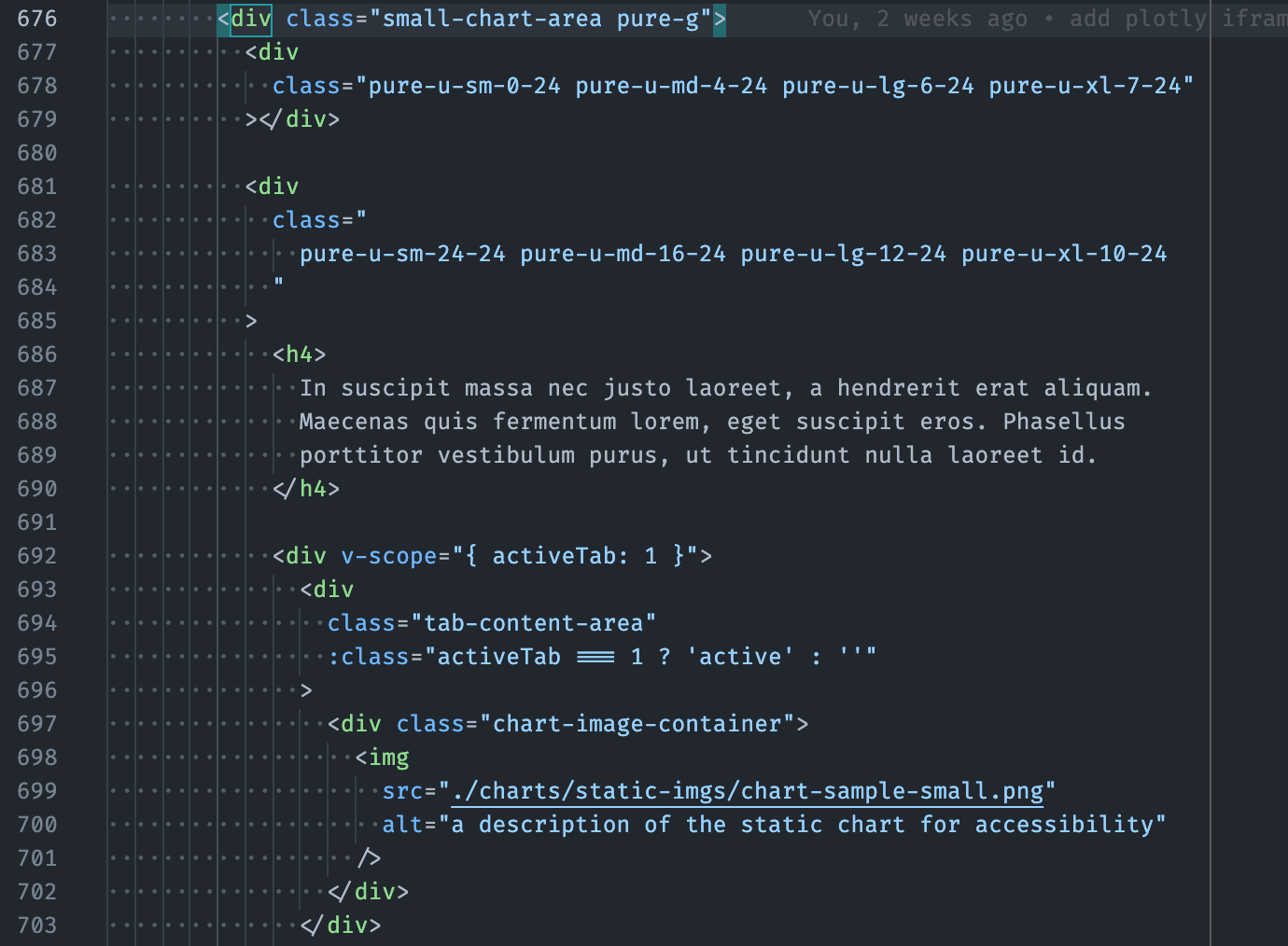
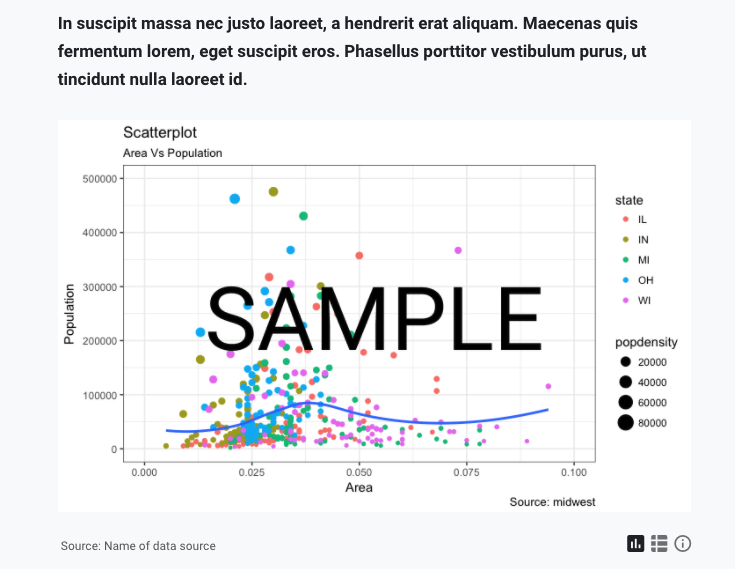
The one inside the <div class="large-chart-area"> will be dislayed in the larger size.
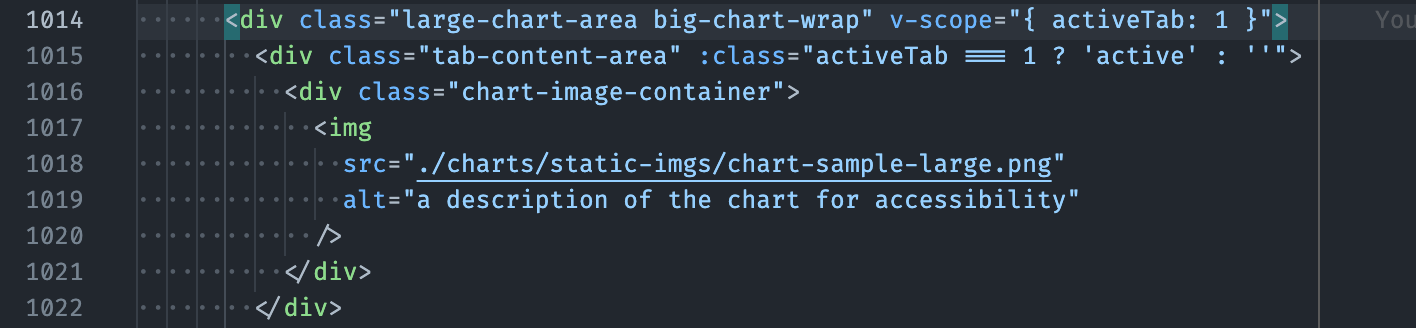
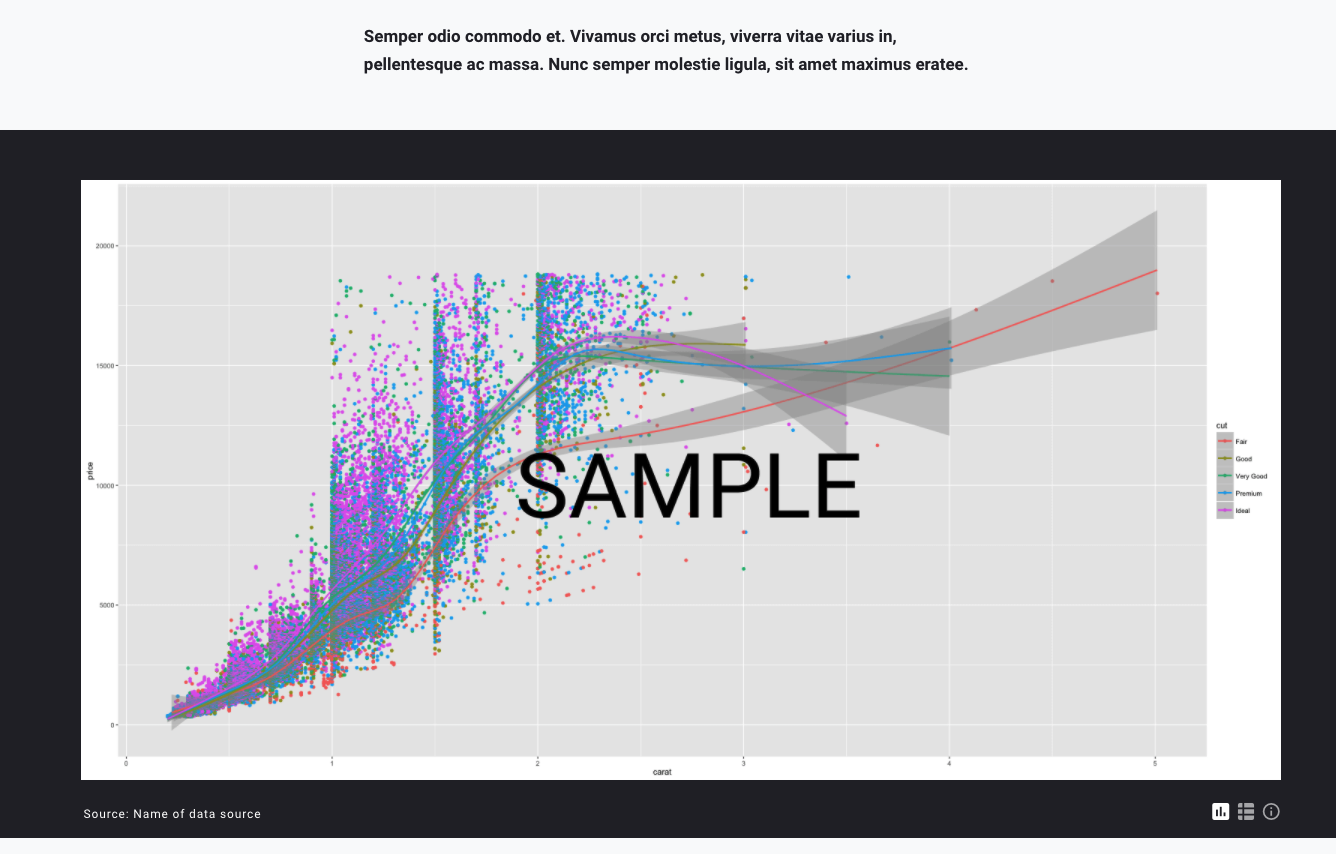
You can use the editor's text search feature to search for class="chart-image-container", class="small-chart-area", or class="large-chart-area" to locate them.
Update the file path (
srcattribute) for theimgelement inside the chart container, to point to the chart image file.For accessibility, add a description in the
altattribute for screen reader users.

Excercise
- (optional) Try updating a "small-chart-area" container to display the
/template-excercise-material/DataStories_HEERF_Graph.pngchart.